How to Use Tinder: Profile, Matches & Messaging
How to Use Tinder: A Beginner's Guide to More Matches and Real Dates
Knowing how to use Tinder effectively separates guys with 300 silent matches from those who fill their calendars. The problem is almost never looks — it's not understanding how the system actually works.
Key Takeaways
- Tinder's core mechanic — swiping right to Like, matching when both users agree — is simple, but your profile determines whether you ever get to send a message.
- Your lead photo is your conversion rate. One strong first photo outperforms a mediocre four-photo set every time.
- Effective openers reference something specific from her profile — generic "hey" or "how's your week?" messages get ignored on sight.
- Tinder's algorithm rewards active, selective users — mindless mass-swiping suppresses your profile's visibility.
- Tinder Premium is a multiplier, not a fix. Optimizing your free profile first delivers more matches per dollar than any paid tier.
Contents
- How to Use Tinder: Where Do You Actually Start?
- How Do You Set Up Your Tinder Profile for Maximum Matches?
- How Does Tinder's Matching Algorithm Actually Work?
- What's the Best Way to Message Someone on Tinder?
- How Do You Get More Tinder Matches?
- How to Use Tinder on Desktop: Can You Swipe on a Computer?
- What Does It Mean When Someone Unmatches You on Tinder?
- Is Tinder Premium Worth the Cost for Your Dating Goals?
- Get Started with SLIDD AI
- Frequently Asked Questions
How to Use Tinder: Where Do You Actually Start?
Tinder is a mutual-match app: swipe right to Like a profile, swipe left to Pass, and when both users swipe right on each other, a match is created. Matches unlock a private chat thread — no message can be sent before a mutual match. Getting swiped right on is the entire game.
Download the app and sign up with your phone number or Apple/Google account. Set your discovery range (age, distance, gender). Upload photos, write a bio, and you're in the card stack.
Each card shows up to nine photos, a bio, and interest tags. Swipe right to Like, swipe left to Pass. Tap a profile to expand all photos and the full bio before deciding.
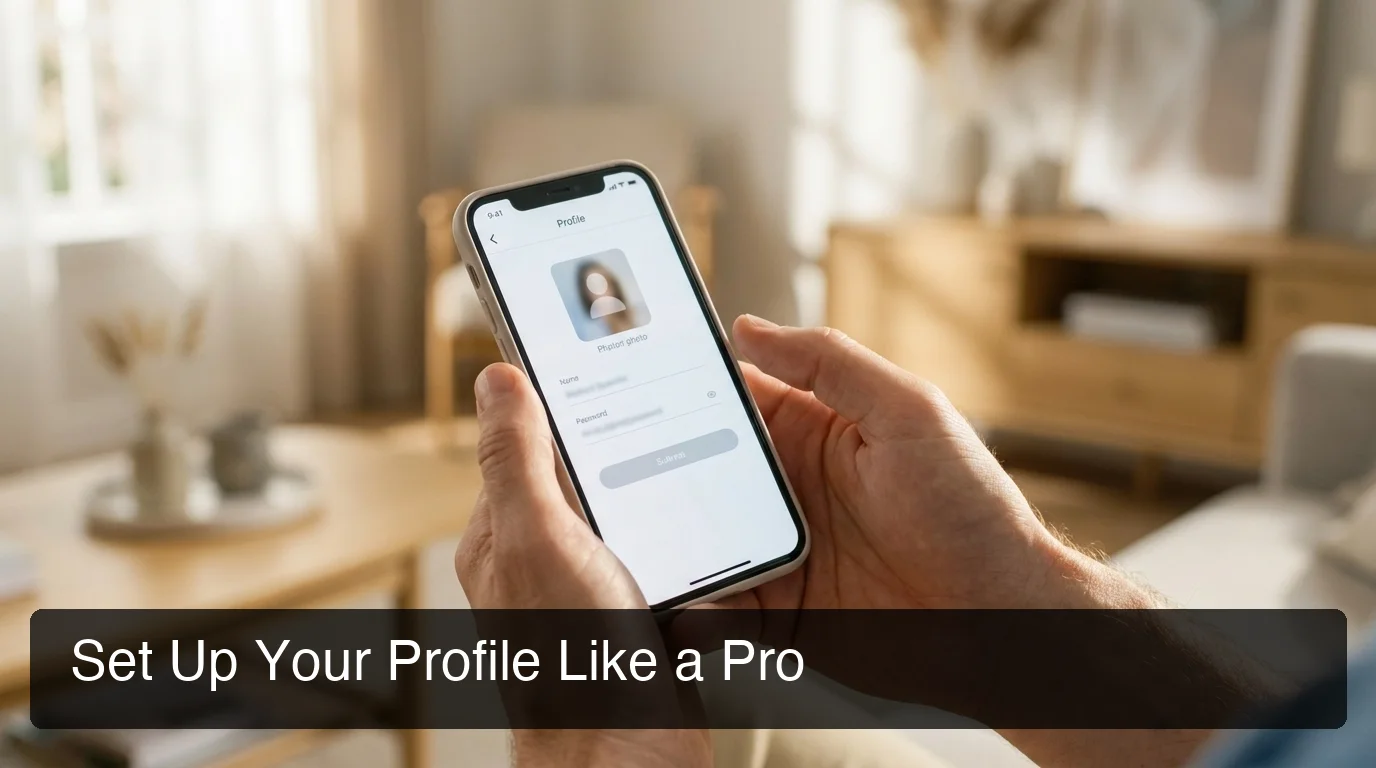 Your profile card is the first thing every potential match sees — first impressions happen in under two seconds.
What Are the Main Tinder Buttons?
Five action buttons appear at the bottom of the swiping screen: Rewind (undo last swipe — paid only), Nope (pass), Super Like (blue star — she sees this before opening your profile), Like (standard right swipe), and Boost (raises your visibility for 30 minutes).
For tinder basics, Like and Nope are your daily tools. Use Super Like sparingly — it signals deliberate interest, which lands differently than a standard swipe.
How Do You Set Up Your Tinder Profile for Maximum Matches?
Your Tinder profile determines whether she looks at your message before or after ignoring it. Spend 20 minutes before your first swipe: choose your sharpest solo photo as the lead card, write a bio that says one specific and interesting thing about you, and add Passions tags. A generic profile guarantees silence regardless of what you look like.
Which Photos Work Best?
Your lead photo is your conversion rate — everything else is secondary.
- Clear face, natural light: outdoor daylight shots outperform gym mirrors and dark bar photos
- Solo, not group shots: if she can't identify you in under two seconds, she passes
- One social proof photo: you with friends or at an event shows you have a life
- Activity photo: hiking, cooking, at a show — something that signals a world she'd want to enter
- Eyes visible in the lead photo: sunglasses in the first photo reduce emotional connection
What Should Your Tinder Bio Say?
Keep it under 150 characters. The best bios do one of three things: create genuine curiosity, invite a reaction, or make her laugh.
Bios that work:
- "Tried cooking one new thing a month for a year. 11 were disasters, 1 was edible. Looking for a brave taste tester."
- "Currently losing an argument with Chicago about whether deep dish counts as pizza."
Avoid "love to laugh," "adventure seeker," and "looking for my partner in crime" — those phrases appear on 30% of male profiles and convey nothing. Write one line she can reply to.
Key insight: A Tinder bio is a conversation starter, not a self-summary. One specific, opinionated line beats three generic sentences every time.
How Does Tinder's Matching Algorithm Actually Work?
Tinder's algorithm ranks your profile based on engagement signals: how often you're swiped right, how quickly matches send messages after connecting, and how regularly you open the app. Users with similar engagement levels get shown to each other — the algorithm self-sorts by relative attractiveness and activity, not just appearance.
Three factors that directly influence your rank:
- Selectivity: mass-swiping right signals low-quality intent and down-ranks your profile. Swipe right on profiles you'd actually message.
- Activity: users who open the app daily get prioritized in card stacks. Go dormant and visibility drops fast.
- Profile completeness: verified photos, a bio, Passions tags, and linked Spotify all add surface area in discovery.
New accounts get a temporary visibility boost — Tinder pushes fresh profiles to the front of card stacks for the first 24–72 hours. Set up a strong profile before you start swiping, not after. That window is the best organic visibility the platform ever gives you.
 Tinder rewards users who are active and selective — the algorithm reads intent, not just swipe volume.
By the numbers: Tinder reports 1.6 billion swipes per day globally. In most markets, the top profiles capture a disproportionate share of right swipes. Profile quality isn't a tie-breaker — it determines which game you're playing.
What's the Best Way to Message Someone on Tinder?
The best way to start a conversation on Tinder is to open with something specific from her profile — a photo detail, a bio line, or a Passion tag — and invite a response without requiring her to work hard. Generic openers like "hey," "you're cute," or "how's your weekend?" signal you didn't actually look at her profile.
This is where most matches die. Your first message either confirms her instinct to match or kills the momentum.
Tinder Openers That Get Responses
Read her profile. Then use what you see. These are complete, ready-to-send examples:
If her bio mentions food: "Your 'weekend cooking experiments' bio has me curious — tell me about one that went catastrophically wrong."
If she has a dog in her photos: "I'm going to need a detailed character reference from the dog before I can make any decisions here."
If her lead photo is outdoors: "You have the look of someone who's dragged multiple unwilling friends on 'just a quick hike' before."
If her bio is blank: "Your bio is intentionally empty and now I'm convinced it's a personality test. What's the passing grade?"
For more profile-specific openers, see our list of pickup lines that actually work and rizz lines built around authentic specificity.
How to Move the Conversation Forward
The goal in the first 5–8 messages is one moment of genuine tension or laughter, then move the conversation off the app. Staying on Tinder past 20 messages increases ghosting risk — the platform keeps both people in "swipe mode" mentally, not "let's meet" mode.
When she's asked you two or more questions back and you've landed a shared reference point, suggest a next step: "We should continue this over coffee — are you usually a morning or afternoon person?"
If texting anxiety is stopping you from hitting send, address that directly — the hesitation costs more conversations than any weak opener. Tools like SLIDD AI's Wingman keyboard are built for exactly that freeze moment: the keyboard reads her message on your screen and writes the reply in your chosen tone, without leaving the app.
 Specific, profile-aware messages convert matches into real conversations. Generic openers don't.
How Do You Get More Tinder Matches?
The fastest lever for more tinder matches is your lead photo, not your swipe volume. Replacing a mediocre first photo with a strong one can increase your match rate 2–3x more than any other single change. After the lead photo, bio quality and profile completeness are the next two highest-impact variables.
Beyond the profile, a few tactical moves add up:
- Swipe during peak hours: 7–10pm weekdays and Sunday afternoons have the highest active user density
- Use Super Likes strategically: the notification she sees before opening your profile is a first impression — save Super Likes for profiles you'd genuinely pursue
- Get photo verified: the blue badge builds trust and stands out visually in the card stack
- Rotate photos every 90 days: returning users won't re-swipe the same photos — fresh content re-enters discovery
For a personalized audit of your profile and messaging approach, a dating coach for men who specializes in app optimization can identify blind spots no general guide can catch.
How to Use Tinder on Desktop: Can You Swipe on a Computer?
Yes. Tinder has a full web version at tinder.com that runs in any desktop browser with swiping, messaging, and most profile editing features. Desktop is useful for writing longer opening messages without phone keyboard friction and for reviewing profile photos at full size.
Your location defaults to your last known mobile location on desktop. Discovery still works from there, though Boost and real-time match notifications work better via the mobile app.
What Does It Mean When Someone Unmatches You on Tinder?
When someone unmatches you on Tinder, the match and entire conversation disappear from both sides simultaneously with no notification. It typically means she's no longer interested or cleaned up her match list — there's no way to know which. You can't re-match unless she encounters your profile again in discovery.
The practical takeaway: message within 24 hours of matching. The longer the gap between matching and messaging, the higher the unmatch risk. Conversations go stale and match lists get pruned — the window is shorter than most people assume.
 Before upgrading to Tinder Gold, compare what you're actually buying against what a profile overhaul delivers for free.
Is Tinder Premium Worth the Cost for Your Dating Goals?
Tinder Premium (Gold at ~$29.99/month or Platinum at ~$39.99/month) adds unlimited likes, Rewind, Passport, Boost credits, and seeing who liked you before matching. It's worth it if your profile is already strong — Gold amplifies a good foundation. It's not worth it if your photos or bio are weak, because paid features can't fix a profile problem.
Here's what each tier actually adds:
| Feature | Free | Tinder Plus | Tinder Gold | Tinder Platinum |
|---|---|---|---|---|
| Unlimited Likes | ❌ (daily limit) | ✅ | ✅ | ✅ |
| Rewind Last Swipe | ❌ | ✅ | ✅ | ✅ |
| Passport (change location) | ❌ | ✅ | ✅ | ✅ |
| See Who Liked You | ❌ | ❌ | ✅ | ✅ |
| Monthly Boost Credits | 0 | 1 | 5 | 5 |
| Message Before Matching | ❌ | ❌ | ❌ | ✅ |
| Approximate Monthly Price | Free | ~$9.99 | ~$29.99 | ~$39.99 |
The real ROI question isn't "should I pay for Gold?" — it's "what would fix more matches: $30/month on Gold or 30 minutes improving my lead photo?"
For most guys: fix the profile first. A well-optimized free profile consistently outperforms a paid mediocre one in the algorithm.
Bottom line: Tinder Premium is a multiplier, not a fix. If your current match rate is low, $30/month on Gold won't change it — but a stronger lead photo will.
Get Started with SLIDD AI
Getting matches on Tinder is a profile problem. Converting matches into dates is a conversation problem — and that's where most guys stall out.
SLIDD AI is an AI keyboard that reads your screen in real time and writes context-aware replies inside Tinder, Hinge, Instagram DMs, and every other app where she's messaging you. No screenshots, no app-switching. Tap Reply and the reply is written.
Frequently Asked Questions
How do you use Tinder for the first time as a beginner?
Download Tinder, sign up with your phone number, set your discovery preferences, and add at least four photos with a clear face shot as the lead — plus a short bio with one specific line she can react to. Swipe right selectively on profiles you'd actually message. When you match, send your first message within 24 hours referencing something specific from her profile.
What is the 3-day rule on Tinder?
The 3-day rule says you should message a new match within 72 hours or risk the conversation going stale. In practice, same-day or within 24-hour messaging has the highest response rate. Match lists get cleaned regularly — women receive many matches and conversations that don't start quickly often never start.
What is the biggest red flag on Tinder?
For women evaluating male profiles, the biggest red flags are: no bio (signals low effort), only group photos where you're unidentifiable, and bios filled with vague superlatives like "love to laugh" or "adventure seeker." Stand out by showing one specific, opinionated thing about yourself — something concrete she can actually reply to.
Does SLIDD AI work on Tinder?
Yes. SLIDD works in every dating app on iOS — Hinge, Tinder, Bumble, Coffee Meets Bagel, Plenty of Fish, OkCupid, Match — because it's a system keyboard. It also works on Instagram (DMs and Stories), Snapchat, WhatsApp, iMessage, Telegram, Discord, and any other app with a text input.
Is SLIDD AI free?
SLIDD AI starts with a 3-day unlimited free trial — full access to every feature, every tone, unlimited replies, no payment required at signup. The trial timer starts at signup. After the trial, you choose a plan: Weekly at $6.99/week, Monthly at $19.99/month (most popular), or Annual at $99.99/year (best value). All paid tiers unlock unlimited replies, all five tones (Flirty, Bold, Witty, Sincere, Casual), the custom tone builder, and full reply history.
Is Tinder free to use?
Yes. Tinder's core features — creating a profile, swiping, matching, and messaging — are free with daily like limits. Tinder Plus, Gold, and Platinum add paid features like unlimited likes, seeing who liked you, Passport, and Boost credits — but the free tier is fully functional for meeting people; premium tiers amplify an already-optimized profile.
What age group uses Tinder most?
Tinder's largest user demographic is 18–34 year olds, with the 25–34 bracket being the most active. Usage drops notably above 35, where apps like Hinge and Match tend to have stronger concentrations of users seeking longer-term relationships.