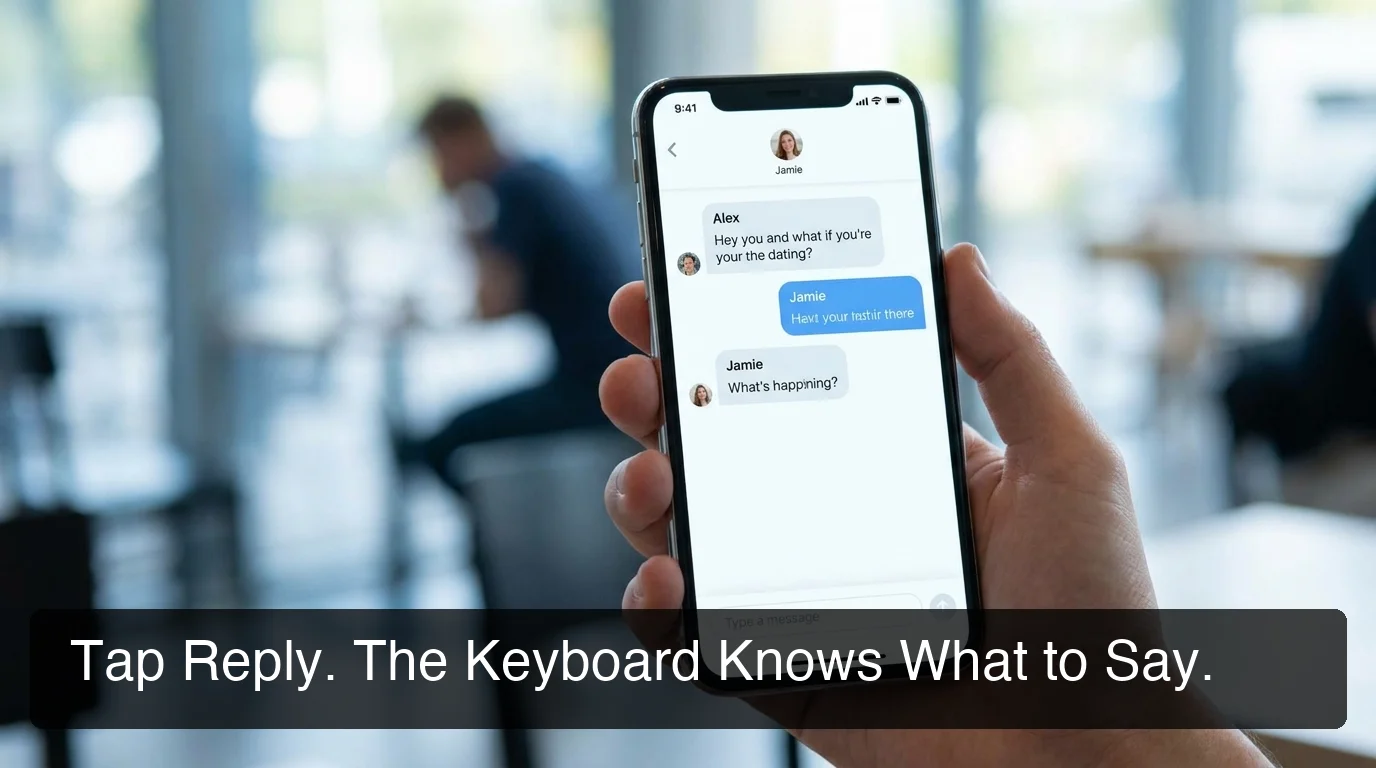
Rizz Keyboard Explained: What Actually Works | SLIDD
What a Rizz Keyboard Actually Does (and Why Most Aren't One)
Search "rizz keyboard" right now and the results are almost entirely App Store listings — WRizz, CharmKey, RizzKey — each promising the same thing in slightly different fonts. Not one of the top results actually explains what separates a real rizz keyboard from a screenshot tool wearing the label. That gap is the whole story.
Key Takeaways
- A rizz keyboard reads your screen inside the app you're already using; a screenshot tool makes you leave that app first — the label doesn't guarantee the architecture.
- Screenshot-based competitors average eight steps between her message and a sent reply; a screen-reading keyboard collapses that to one tap.
- Tone presets (Flirty, Bold, Witty, Sincere, Casual) matter because dating conversations shift register constantly — one-voice tools can't follow that shift.
- Coverage matters as much as reply quality: a keyboard limited to dating apps goes silent the moment the conversation moves to Instagram or iMessage.
- The confidence hit comes from freezing and watching conversations die, not from using a tool that keeps you responsive.
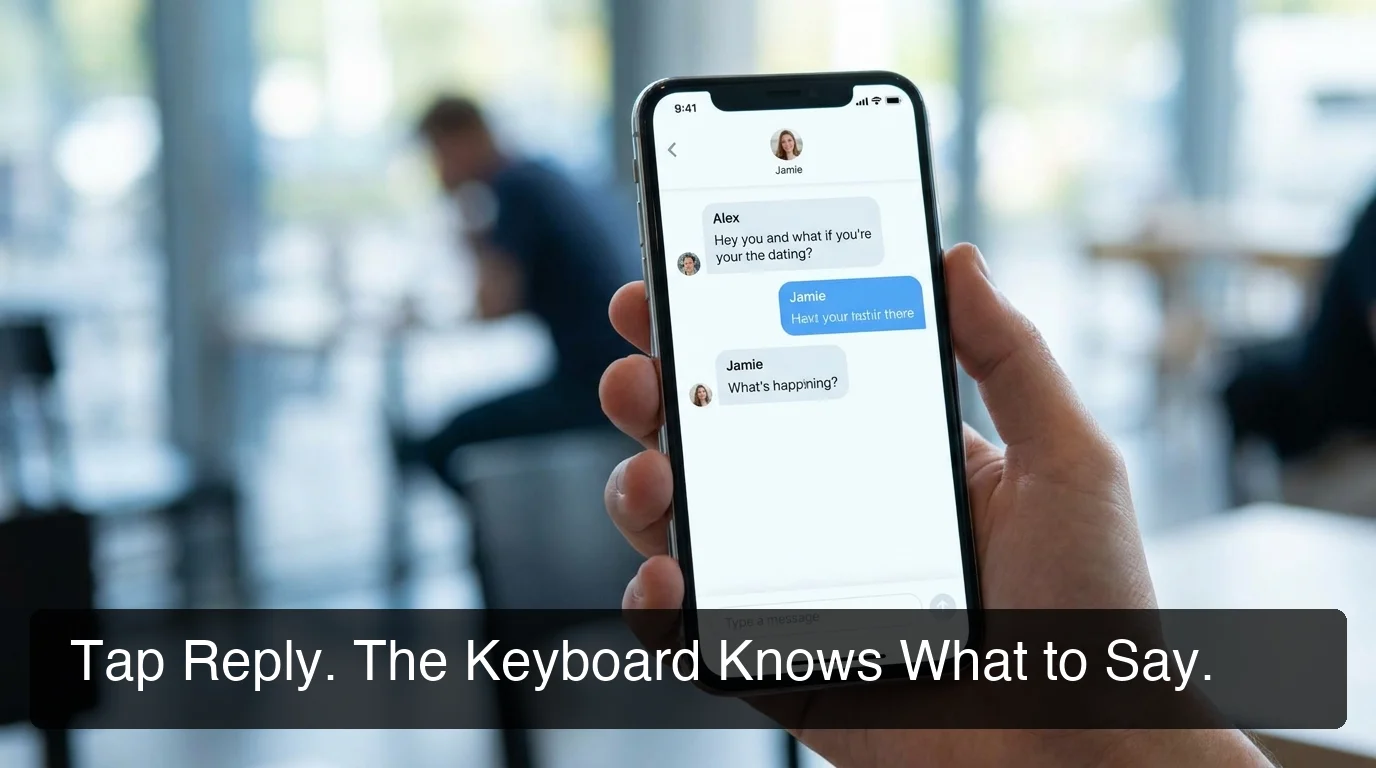 Tap Reply. The keyboard already knows what's on the screen.
What Is a Rizz Keyboard, and Why Does It Matter?
A rizz keyboard is a keyboard extension you switch to inside apps like Hinge, Tinder, or Instagram that reads whatever's on your screen and writes a reply for you, without leaving the conversation. The name gets used loosely — plenty of tools branded as "rizz keyboards" are actually screenshot-upload apps wearing keyboard packaging.
That distinction matters more than the marketing suggests. If you already know what rizz actually means as a concept, you know it's really about not freezing when the pressure's on.
A rizz keyboard is supposed to solve that exact moment — the ten seconds after she replies and your brain goes blank. Whether it actually does depends entirely on how it's built, not what it's called.
Two keyboards can share a name and behave completely differently. One reads your screen the instant you tap a button. The other makes you leave the app first. That single design choice decides whether the tool helps in the moment or just adds a chore.
Why Does Every "Rizz Keyboard" Still Have a Screenshot Problem?
Most tools ranking for "rizz keyboard" right now — including well-known names in the App Store — still require a screenshot, an app switch, and a copy-paste before a reply ever gets typed. The "keyboard" label describes the icon, not what's actually happening underneath it.
Most tools in this category rely on the same sequence: screenshot her message, exit the dating app, open the separate tool, upload the image, wait, copy the suggested reply, switch back, paste it, send. That's eight steps standing between her message and your response.
Eight steps sounds manageable until you're mid-conversation at 11pm and she's typing. By step four, the moment that made the message interesting has usually cooled off. A tool that requires you to leave the conversation to get help with the conversation is solving a different problem than the one you actually have.
If you're weighing your options, comparing the major rizz apps side by side is worth doing before you download five of them just to test which one feels least like homework. Most share the same architecture underneath different branding.
Reality check: A keyboard that makes you open a second app to generate a reply isn't a keyboard-native tool — it's a screenshot tool with a keyboard-shaped icon.
How Does a Rizz Keyboard Actually Work Inside the App?
A real rizz keyboard uses the phone's native keyboard extension permissions to sit inside whatever app you're already in. You switch to it the same way you'd switch to an emoji keyboard, tap a reply button, and it reads the visible screen — her message, her photo, her bio — directly, without a screenshot or a second app.
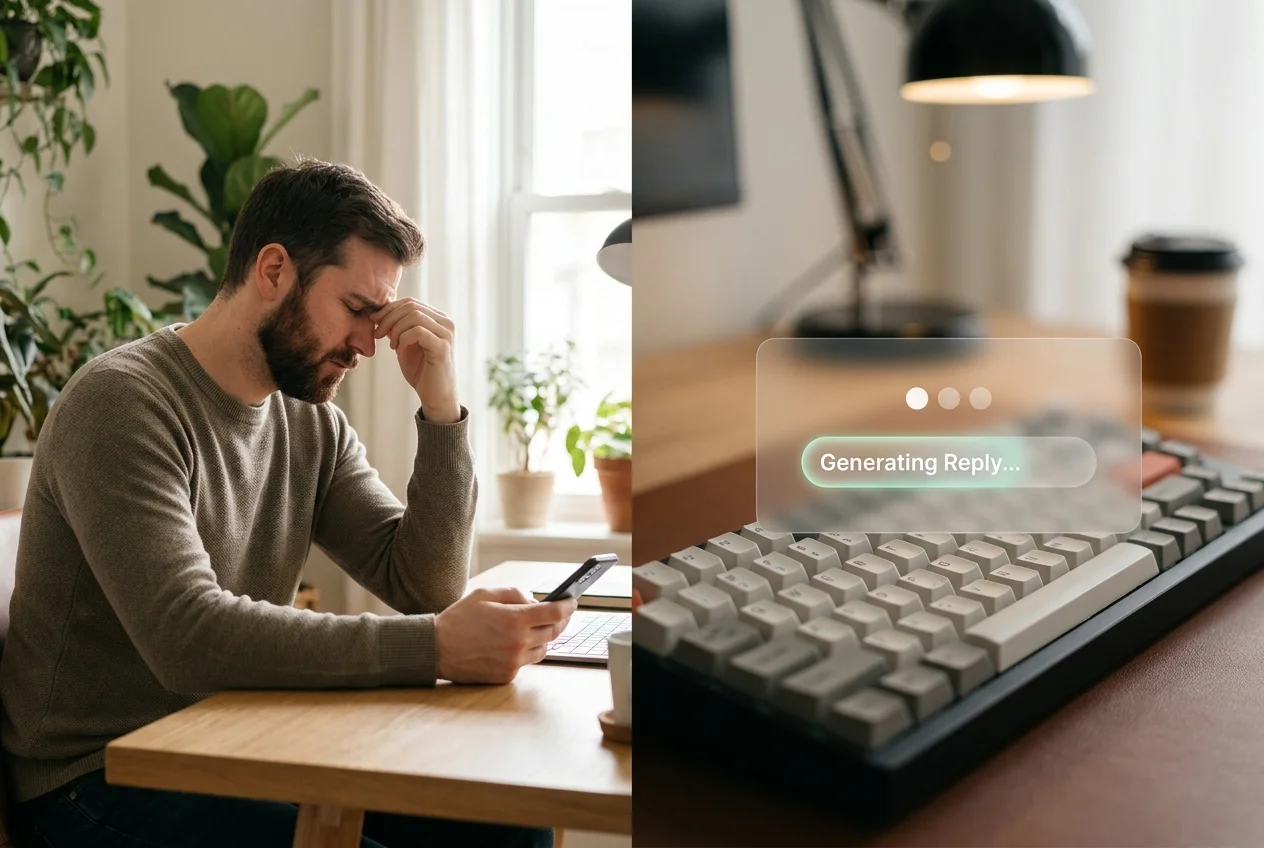 One side of the split is the freeze. The other is the keyboard already handling it.
SLIDD is built this way specifically. You open Hinge, Tinder, Bumble, or Instagram, switch to the SLIDD keyboard already enabled in your iOS settings, and tap Reply.
The keyboard uses iOS screen broadcast to read the active screen in real time — her text, her photo, her story — and writes a reply in your chosen tone directly into the text field. No screenshot. No second app. No copy-paste.
That architecture is the whole difference. It's not a smarter reply generator underneath — most of these tools run on similar language models. It's that the reply shows up where you're already typing instead of somewhere you have to go get it.
Why Does Tone Switching Beat a Generic Reply Generator?
Tone switching beats a single-voice reply generator because dating conversations shift register constantly — an opener needs charm, a hard question needs sincerity, and a late-night message needs an edge. A tool that only writes one voice forces every message into the same register, and it shows.
A single-tone reply generator writes the same voice for every message, whether she just sent "how was your day" or something that actually needs an edge. That mismatch is obvious the moment you read the output back — it sounds like a template, because it is one.
SLIDD ships five tone presets — Flirty, Bold, Witty, Sincere, Casual — plus a custom option where you describe your own voice. Each one exists for a specific moment in the conversation:
- An opener needs Witty or Flirty to earn a reply at all.
- "How was your day" deserves Casual, not a performance.
- Asking her out needs Bold — directness without pressure.
- A message like "long week, my dog's been sick" needs Sincere, where game has no place.
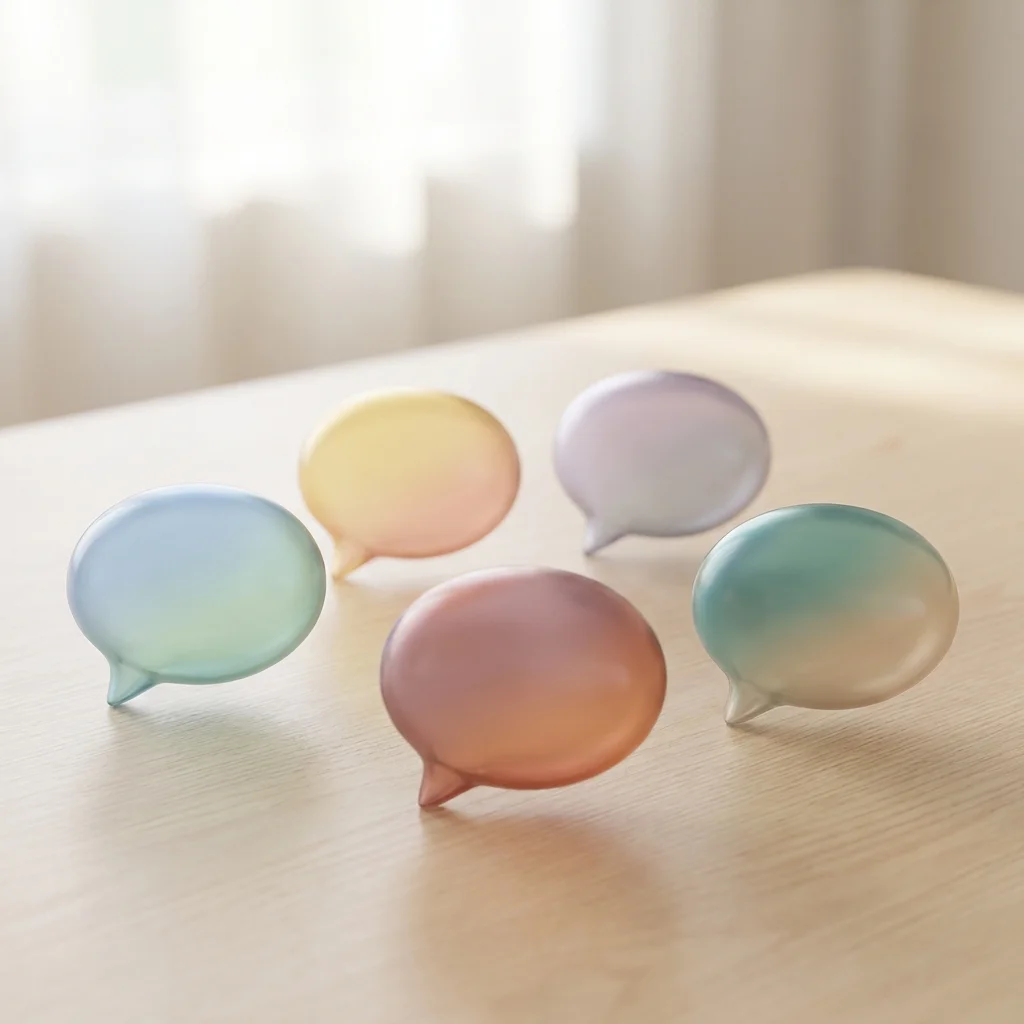 Five registers, one tap each — because no single voice covers an entire conversation.
The same message can land five completely different real replies depending on the tone selected. Picture her sending: "you seem like trouble."
- Flirty: "Only on days that end in y."
- Witty: "I prefer 'strategically unpredictable,' but trouble works too."
- Bold: "I am. You'll find out Friday."
Same input, three completely different registers — a single-tone tool can only ever hand you one of them. That's the actual differentiator between a keyboard assistant and a screenshot-based competitor: not raw reply quality, but whether the tool can shift register as fast as a real conversation does. This is the same gap that shows up in general AI text generators built for email and essays, not dating — they default to one safe voice because they were never built to switch.
Where Does a Rizz Keyboard Actually Need to Work?
A rizz keyboard needs to work everywhere a conversation actually happens, not just inside one dating app. Matches migrate from Hinge to Instagram to WhatsApp to iMessage, and a tool limited to the original app goes silent the moment the conversation moves.
A match rarely stays inside one app. It starts on Hinge, moves to Instagram when she posts a story, then drifts to WhatsApp or iMessage once numbers get exchanged. Every one of those transitions is a spot where the conversation can quietly die.
Most rizz keyboards are built for dating apps only, which means the moment she posts a story or texts you outside Hinge, the tool goes silent. SLIDD works as a system-level keyboard, so it functions the same way inside:
- Dating apps: Hinge, Tinder, Bumble, Coffee Meets Bagel, OkCupid
- Instagram — both DMs and Stories
- WhatsApp, iMessage, Telegram, Snapchat, Discord
The Instagram Story case is the one guys underestimate most. Replying to a story with something specific to what she posted, within the first few minutes, reads completely differently than replying an hour later — that's its own skill worth a deeper look on its own.
Does Using a Keyboard to Text Actually Hurt Your Dating Confidence?
No — the freeze is what erodes confidence, not the tool that removes it. Confidence isn't built by staring at a blank text field for two minutes; it's built by staying in conversations instead of watching them go cold. A keyboard that keeps you responsive does more for confidence than the pressure of composing every line solo ever did.
There's a version of this argument that treats any assistance as a crutch. It doesn't hold up well against how people actually build skill.
Golfers use a coach's feedback loop, not blind trial and error. The same logic applies here, minus the hourly rate — a human dating coach works on a longer timeline for a different kind of skill-building than a tool that helps in the specific moment a text is due.
What actually kills confidence is the pattern of freezing, sending something flat, and watching the conversation die — repeated enough times that you start expecting it. Breaking that pattern, even with help, changes what you expect from the next conversation.
Picking a Rizz Keyboard: What Actually Separates Them
Not every tool in this category is built the same way underneath, even when the marketing sounds identical. Here's how the workflow actually compares across the category's most common architecture:
| Capability | Screen-reading keyboard (SLIDD) | Screenshot-upload apps |
|---|---|---|
| Reads the screen without leaving the app | Yes | No — requires screenshot |
| Steps from her message to a sent reply | 1 (tap Reply) | Up to 8 (screenshot, exit, upload, wait, copy, return, paste, send) |
| Works on Instagram Stories | Yes | Rarely |
| Works on WhatsApp / iMessage | Yes | Almost never |
| Tone options | 5 presets + custom | Usually 1, sometimes limited presets |
The gap isn't reply quality — most of these tools generate reasonable text. It's how many steps stand between her message and a reply that actually sends while the conversation is still warm.
Get Started with SLIDD
If the freeze is the actual problem, the fix is a keyboard that's already inside the conversation when it happens — not a separate app you have to remember to open. SLIDD reads your screen in real time across Hinge, Tinder, Bumble, Instagram, WhatsApp, and iMessage, with five tones ready in one tap.
FAQ
What is a rizz keyboard, exactly?
A rizz keyboard is a keyboard extension that works inside apps like Hinge, Tinder, or Instagram to generate text replies. The best versions read your screen in real time and insert a reply directly into the text field — no screenshot, no separate app, no copy-paste required.
How is SLIDD different from Rizz AI or Keys AI?
Rizz AI, Keys AI, and similar tools require screenshotting her message, leaving the dating app, uploading the image, and pasting the result back — roughly eight steps per reply. SLIDD reads the screen directly through iOS screen broadcast the moment you tap Reply, and it also covers Instagram Stories, WhatsApp, and iMessage, where most competitors don't.
How much does a rizz keyboard cost?
SLIDD starts with a 3-day unlimited free trial — every tone, unlimited replies, no payment required at signup. After the trial, plans run $6.99/week, $19.99/month (most popular), or $99.99/year (best value), all unlocking unlimited replies and every tone preset.
Does a rizz keyboard work on Instagram and WhatsApp?
Some do, most don't. SLIDD works across Instagram (DMs and Stories), WhatsApp, iMessage, Snapchat, Telegram, and Discord in addition to every major dating app, because it's built as a system-level keyboard rather than a dating-app-only tool.
Is using a rizz keyboard considered cheating?
No — it's closer to using spellcheck than to having someone else date for you. You're still choosing what to send and how the conversation goes; the keyboard just removes the freeze-moment delay so you're not staring at a blank field while she's waiting on the other end.