SLIDD AI for Instagram: How It Replies to Stories & DMs
SLIDD AI for Instagram: How It Replies to Stories and DMs
SLIDD AI for Instagram works fully inside the app — Stories and DMs — reading whatever's on your screen the moment you tap Reply and writing a response in your chosen tone. No screenshot, no switching apps, no dead air while her story countdown ticks toward zero. It's the only AI dating keyboard built for Instagram Stories; Rizz AI, Keys AI, and YourMove AI are all still stuck on dating-app-only screenshot uploads.
Does SLIDD AI Work on Instagram Stories?
Yes — SLIDD AI works on Instagram Stories the same way it works on Hinge or Tinder: you tap the story's reply field, switch to the SLIDD keyboard, tap Reply, and it reads the story (image, video, or text overlay) and writes a contextual response instantly. No app-switching, no saving the story, no typing from memory after it's already vanished.
That's the moment most guys lose. A girl posts something worth commenting on, and by the time he's thought of a line, the story's been up for ten minutes or she's already moved on. SLIDD collapses that window to the length of one tap.
It's also the moment competitors can't touch. Rizz AI and YourMove AI are built around dating-app screenshots — they were never architected to sit inside Instagram's keyboard layer at all.
Worth knowing: SLIDD is a native iOS keyboard, not an Instagram-specific app. That's the entire reason Stories work — it doesn't need Instagram's permission to see the screen. It just appears wherever a keyboard would.
Key Takeaways
- SLIDD AI is the only AI dating keyboard that reads Instagram Stories directly — Rizz AI, Keys AI, and YourMove AI only cover dating apps
- You tap Reply inside Instagram (Stories or DMs), SLIDD reads what's on screen, and the reply lands in your chosen tone with zero screenshots or app-switching
- Coverage extends to story replies, DM threads, and comment replies — anywhere Instagram (or any app) accepts text
- The same five tones that work on Hinge, Tinder, and Bumble — Flirty, Bold, Witty, Sincere, Casual — carry over to Instagram without retuning anything
How Do You Reply to Her Instagram Story with SLIDD AI?
Open her story, tap the reply field like normal, then switch your keyboard to SLIDD and tap Reply — SLIDD reads the story content in real time and generates a full response you can send as-is or tweak first. The workflow is identical to replying on a dating app; Instagram doesn't know the difference.
Here's the full sequence:
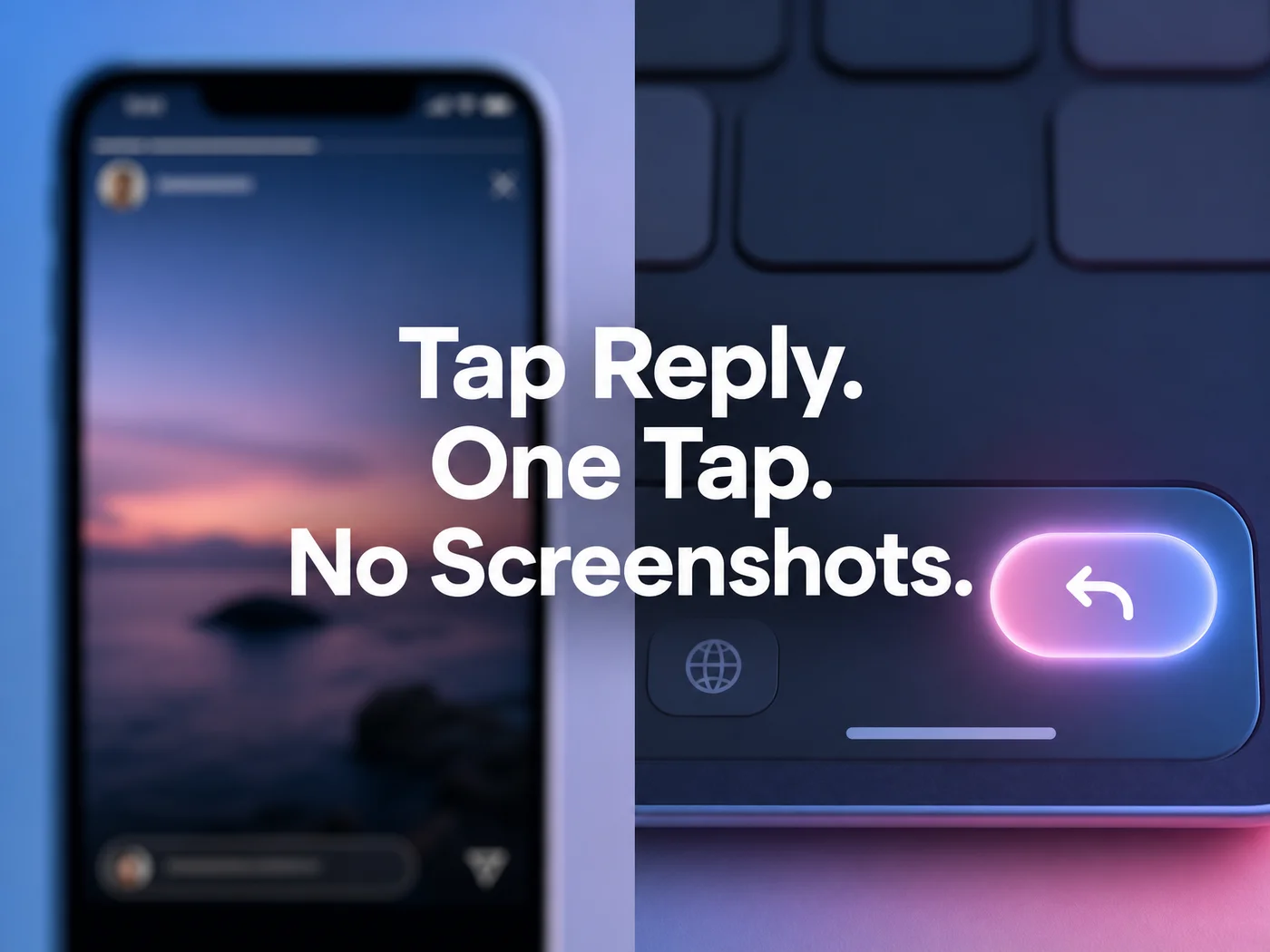 One tap moves the story from "seen" to "replied," without leaving Instagram.
- She posts a story. You open it and tap the "Send message" field at the bottom.
- Switch keyboards — tap the globe icon, select SLIDD.
- Tap Reply. SLIDD reads the story frame: the photo, the video, any text she added.
- Pick a tone. Witty for a story with a joke built in, Sincere if she's posted something vulnerable, Flirty for anything showing her out somewhere.
- The reply appears in the text field. Send it, or edit a word first.
What that actually produces, in practice: a story of her golden retriever wrecking a couch cushion, tone set to Witty, becomes "Your dog has clearly seen worse days than I have, and I've had a rough week." A sunset from a hike, tone set to Sincere, becomes "That view looks worth the climb — where was it taken?" Both lines are complete and sendable as written, no name or detail left for you to fill in.
Compare that to the SLIDD AI keyboard architecture used on Hinge and Tinder — Stories runs on the exact same engine, just pointed at a different app.
SLIDD AI Reads Your Instagram DMs, Not Just Stories
Story replies get the attention because they're the moment that expires fastest, but SLIDD AI for Instagram DMs works the identical way. Open the DM thread, switch to SLIDD, tap Reply, and it reads the full conversation — her last message, the tone she's using, how long the thread's gone quiet.
A story reply is a single frame; a DM thread carries history — jokes that already landed, a subject she brought up twice, a question she's still waiting on. SLIDD reads all of that before writing back, not just the last line she sent.
If you're still working out how to open a thread instead of continuing one, Instagram DM openers that actually land covers that specific moment — SLIDD handles both the opener and everything after it the same way.
What's the Difference Between SLIDD AI for Instagram vs Tinder?
Functionally, none — SLIDD AI for Instagram and SLIDD on Tinder run the same reply engine, the same five tones, and the same tap-to-reply flow, because SLIDD is a system keyboard, not a dating-app plugin. The only difference is what's on screen when you tap Reply.
On Tinder, SLIDD is reading a match's profile or a chat thread inside a dating-specific UI. On Instagram, it's reading a story frame, a DM thread, or a comment field — content no screenshot-upload tool was ever built to recognize, since those tools have to be told what app the image came from. SLIDD doesn't; it just reads the screen.
Practically, this means the same conversation can move from Hinge to Instagram to iMessage and SLIDD stays useful at every step, in the same voice, without you re-explaining context to a new tool each time.
How Is SLIDD AI for Instagram Different From Competitors?
No direct competitor — Rizz AI, Keys AI, YourMove AI, RizzGPT — reads Instagram Stories or DMs directly; all of them require screenshotting the conversation, leaving Instagram, uploading it to a separate app, and pasting the generated reply back in. By the time that loop finishes, a 24-hour story has often already expired.
A quick side-by-side of what actually happens when her story shows up:
| Step | SLIDD AI | Rizz AI / Keys AI / YourMove AI |
|---|---|---|
| See the story | In Instagram | In Instagram |
| Capture it | Reads screen directly, no action needed | Screenshot required |
| Generate reply | One tap, inside Instagram | Leave Instagram, open competitor app, upload |
| Get the reply | Inserted into the text field | Copy from competitor app |
| Send it | Same screen, same moment | Switch back to Instagram, paste |
| Works on Stories at all | Yes | No — dating apps only |
Six steps of friction disappear because SLIDD never leaves the app it's replying in. That gap is the whole reason SLIDD built Instagram support in the first place — see the fuller breakdown in how SLIDD stacks up against the top five alternatives.
How to Use SLIDD on Instagram Stories
Getting SLIDD live on Instagram takes one setup pass, then it's permanent. Enable the keyboard once in iOS Settings — General → Keyboard → Keyboards → Add New Keyboard → SLIDD — and it's available inside Instagram, every dating app, and every messaging app from that point forward.
 The same Reply button that works on Hinge and Tinder works inside an Instagram story thread.
From there, using it is the two-second version already covered above: open the story or DM, switch keyboards, tap Reply, pick a tone, send. Nothing about Instagram requires a separate setup step or a different mode — the SLIDD AI app treats Instagram as just another surface where a keyboard shows up.
Reality check: the guys who fall behind on Instagram aren't bad at texting — they're slow, because typing a reply that actually references what she posted takes real thought under time pressure. SLIDD removes the "what do I even say" step, not the sending step.
Get Started with SLIDD AI
If her stories keep expiring before you've written anything worth sending, this is the exact gap SLIDD was built to close. Download SLIDD AI, enable the keyboard once, and the next story she posts gets a reply before it's old news.
FAQ
Can SLIDD AI read your Instagram Stories? Yes. Open her story, tap the reply field, switch to the SLIDD keyboard, and tap Reply — SLIDD reads the image, video, or text overlay in real time and writes a contextual response. This is the capability no dating-app-only competitor currently offers.
Does SLIDD AI work in Instagram DMs too? Yes, the same engine covers DM threads. SLIDD reads the full conversation history before generating a reply, then inserts it directly into the text field — no screenshotting the thread or switching to another app to draft a response.
Is SLIDD AI free to use on Instagram? Every new SLIDD account gets a 3-day unlimited free trial, no payment required at signup, covering Instagram along with every other app. After the trial, plans start at $6.99/week, with $19.99/month and $99.99/year options unlocking all five tones and unlimited replies.
How is SLIDD different from Rizz AI on Instagram specifically? Rizz AI requires screenshotting her Instagram story or DM, leaving the app, uploading the image, and pasting the reply back in. SLIDD skips all of that — it reads Instagram directly through the keyboard, so the reply gets written and sent without ever leaving the conversation.