Peak Tinder Time: Best Hours to Swipe & Reply | SLIDD AI
Peak Tinder Time: When to Swipe and Have Your Reply Ready
Friday, 9:12 PM. Three matches land inside ten minutes, and two of them have already sent a first message. Most guys read them, panic, and answer one an hour later, which is why peak Tinder time rewards the guy who is fast, not the guy who is perfect.
Key Takeaways
- Peak Tinder time is the evening stretch, roughly 6 PM to 11 PM local time, with the sharpest activity around 9 PM to 10 PM according to third-party timing studies.
- Swipe Surge is Tinder's own spike event: Tinder says activity climbs up to 15x and match potential rises as much as 250% while one runs, usually for about 30 minutes.
- Timing gets you more matches. Reply speed decides whether those matches turn into conversations.
- Your best hours shift with city size, day of the week, and season, so test your own pattern for two weeks instead of copying a chart.
- SLIDD AI reads the conversation on your screen and writes the reply when you tap Reply, so a surge never leaves you staring at a blank text box.
Contents
- What Is the Best Time to Use Tinder for More Matches?
- When Does Peak Tinder Time Happen During the Week?
- How Does Tinder Swipe Surge Work?
- What Time on Tinder Gets the Most Responses?
- Why Does Peak Tinder Time Matter for Matches?
- How Does Having the Right Reply Ready at Peak Times Change Your Success?
- Why SLIDD AI Wins at Peak Times
- Get Started with SLIDD AI
- FAQ
What Is the Best Time to Use Tinder for More Matches?
The best time to use Tinder is in the evening, between roughly 6 PM and 11 PM local time, with the heaviest swiping usually landing around 9 PM to 10 PM. More people are active at once, which means more profiles seeing yours and more matches that can reply right away.
That evening window shows up in nearly every timing breakdown. One 2026 write-up puts the 8 PM to 10 PM range at the top with 9 PM standing out, and an older Boost-timing analysis puts the busiest stretch at 10 PM to 11 PM as people wind down for bed.
The numbers disagree by an hour or so. That's fine. Nobody outside Tinder has a clean dataset, so treat any single hour as an estimate and the window as the real finding.
If you're new to the app and want the basics before optimizing, start with our beginner's guide to using Tinder, then come back here for the timing layer.
When Does Peak Tinder Time Happen During the Week?
Peak Tinder time follows a weekly rhythm: Sunday evening is the night dating coaches most often name as the busiest, with Monday through Thursday evenings close behind, while Friday and Saturday nights tend to run quieter on swiping because many people are out. Treat this as a pattern to test in your city, not a fixed law.
Sunday is the one that surprises people. It's often the night people sit on the couch, dread Monday, and open every app they own.
Here's a working schedule you can start from:
| Window | What's happening | How to use it |
|---|---|---|
| Weekday lunch (12–1 PM) | Short, distracted browsing | Swipe, don't expect long chats |
| Weekday evening (7–10 PM) | Steady, high activity | Your main swiping block |
| Friday and Saturday night | Many people out, fewer long chats | Reply to existing matches |
| Sunday evening (7–11 PM) | Frequently cited as the weekly peak | Swipe hard, reply fast |
| Late night (11 PM+) | Thin audience, quick conversations | Only for active threads |
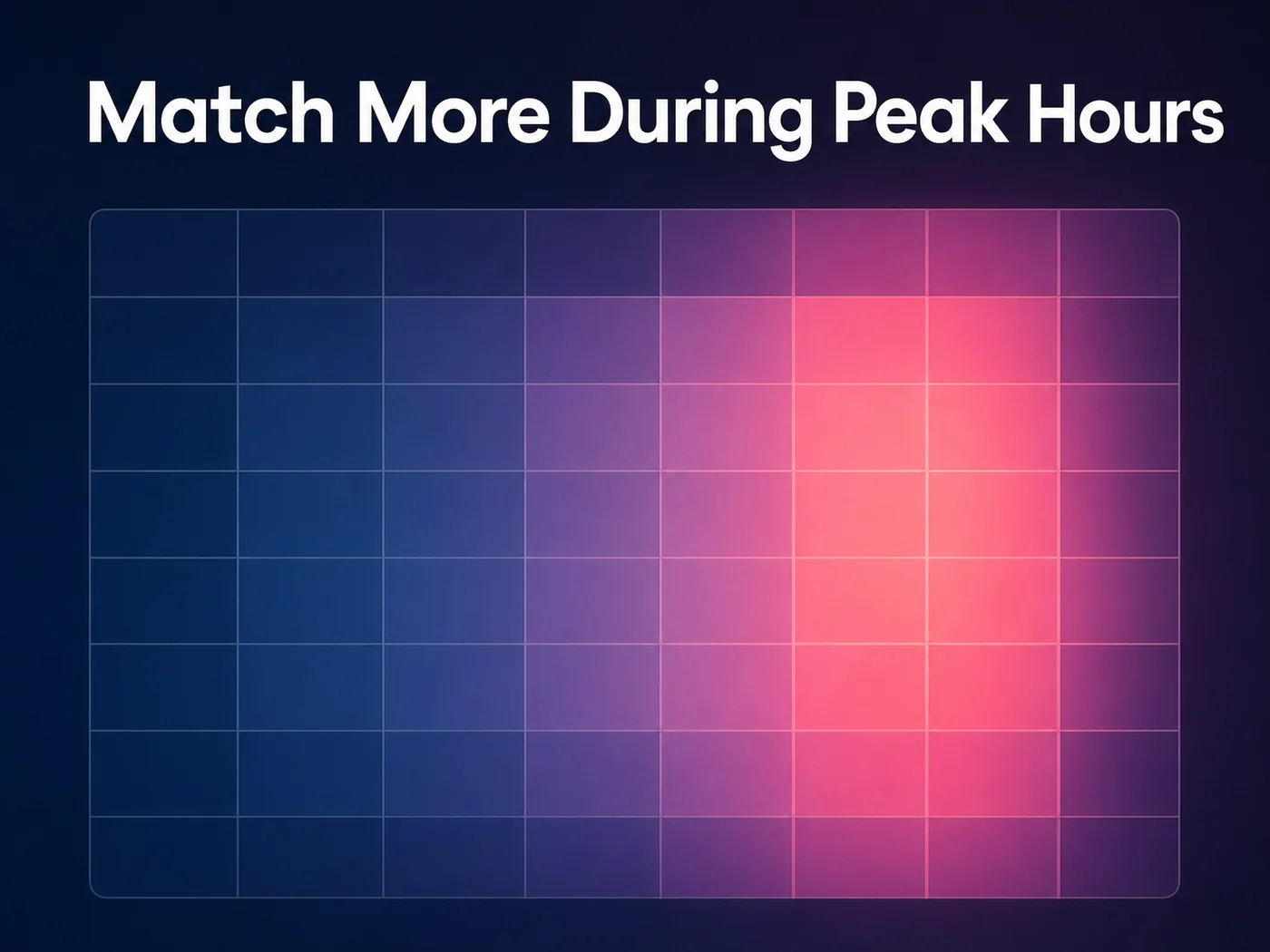 Activity builds through the evening and burns hottest late, which is why one fixed hour matters less than the window.
Season matters too. Third-party analyses point to winter months, especially January, as a high-activity stretch, while summer pulls people outdoors and off the app.
How Does Tinder Swipe Surge Work?
Tinder Swipe Surge is an automatic event that fires when swiping activity in your area spikes. Tinder says activity rises up to 15x and match potential increases by up to 250% for people swiping during it. A surge usually lasts about 30 minutes and arrives as a push notification.
You can't buy it and you can't schedule it. Tinder triggers it from real local demand, which is why it clusters in the same evening and weekend windows described above.
For the full mechanics, our Swipe Surge breakdown covers how profiles get prioritized and how often it fires in different city sizes.
 A surge gives you roughly half an hour. What you do with it is the whole game.
Here's the part that matters for timing. During those 30 minutes, matches and first messages arrive faster than they do on a normal night.
Reality check: A surge makes you more visible to everyone, not just the people you'd pick. More matches in less time only helps if you can answer them in less time too.
What Time on Tinder Gets the Most Responses?
Evenings between 7 PM and 10 PM get the most responses, because matches are online and holding their phones at the same moment you are. A reply sent within minutes of a match lands while her attention is still on the app, which beats a perfectly worded message sent the next day.
Matches and responses aren't the same metric. A match is a double swipe. A response is a person who sees your message while the app is open and decides it's worth answering.
That's why the hour you message matters as much as the hour you swipe. Two habits help:
- Open conversations during the evening window, not at 2 PM on a Tuesday when she's in a meeting
- Reply to anything new within a few minutes during peak hours
- Save slow, thoughtful messages for late-night threads that are already moving
- Leave a match alone for a day only if she's gone quiet, not because you're still drafting
If your openers keep falling flat even at the right hour, the problem is the line, not the clock. Our list of good Tinder openers that actually get replies is the fix for that.
Why Does Peak Tinder Time Matter for Matches?
Timing matters because Tinder shows your profile to whoever is active when you are. More people online means more eyes on you, and during a surge Tinder pushes you earlier in the stack. Swiping at 3 AM puts you in front of a nearly empty room.
Visibility is the first half. The second half is momentum, and momentum has a short shelf life.
A match who sees your message in the first few minutes is in the same mental state she was in when she swiped: curious, a little bored, and open to a good line. Give that two hours and she's watching a show, or she's matched with five other people.
Worth knowing: Your profile still has to earn the right swipe. Timing multiplies a good bio and decent photos, but it can't rescue a weak profile. Fix that first with these Tinder bio examples for guys: your bio gets the match, your timing and your reply get the date.
How Does Having the Right Reply Ready at Peak Times Change Your Success?
A ready reply turns a surge into conversations instead of unread matches. During a spike, you may get several messages in minutes, and each one that waits past the first few minutes loses momentum. Reply fast with something specific and you win the thread before the other guys do.
Think about what a surge night actually looks like. Four matches, two openers waiting, and a notification banner counting down.
The freeze happens at exactly that moment. You know you need something better than "hey," but you have thirty seconds of patience and no idea what to type.
Here are ten complete lines you can send as-is the moment a match messages you during peak hours:
- If she opens with "Hey, how's your night going?": "Better now that someone asked a real question. Yours?"
- If she says "lol your dog is so cute": "He says thanks. He also wants to know what your plans are for this weekend."
- If she writes "Okay your music taste is questionable": "Bold of you to judge me before hearing my defense. Give me three songs."
- If she asks "What do you do for fun?": "Mostly chasing good tacos and bad decisions. You look like you'd have a strong opinion on both."
- If she sends "I almost didn't swipe right": "I'll take almost. Let's see if I can turn it into definitely."
- If she writes "You look like trouble": "Only the fun kind. What gave it away?"
- If she says "I'm so bored right now": "Perfect timing. Pick one: ranking the worst movies ever made, or telling me your most unpopular opinion."
- If she messages "Sunday scaries are real": "They are. Counter-offer: tell me what you're avoiding and I'll tell you how bad mine is."
- If she sends a one-word "Hi": "Hi back. I'll be honest, I had a better opener, but that one was strong too."
- If she asks "So what are we doing here?": "Having a better conversation than the last three people you matched with. Let's keep going."
Each of those works because it's short and specific. Pick the one closest to what she sent and you've got a real reply in under a minute.
The harder part isn't the writing. It's doing it five times in a row, fast, with matches stacking up and the clock running.
Why SLIDD AI Wins at Peak Times
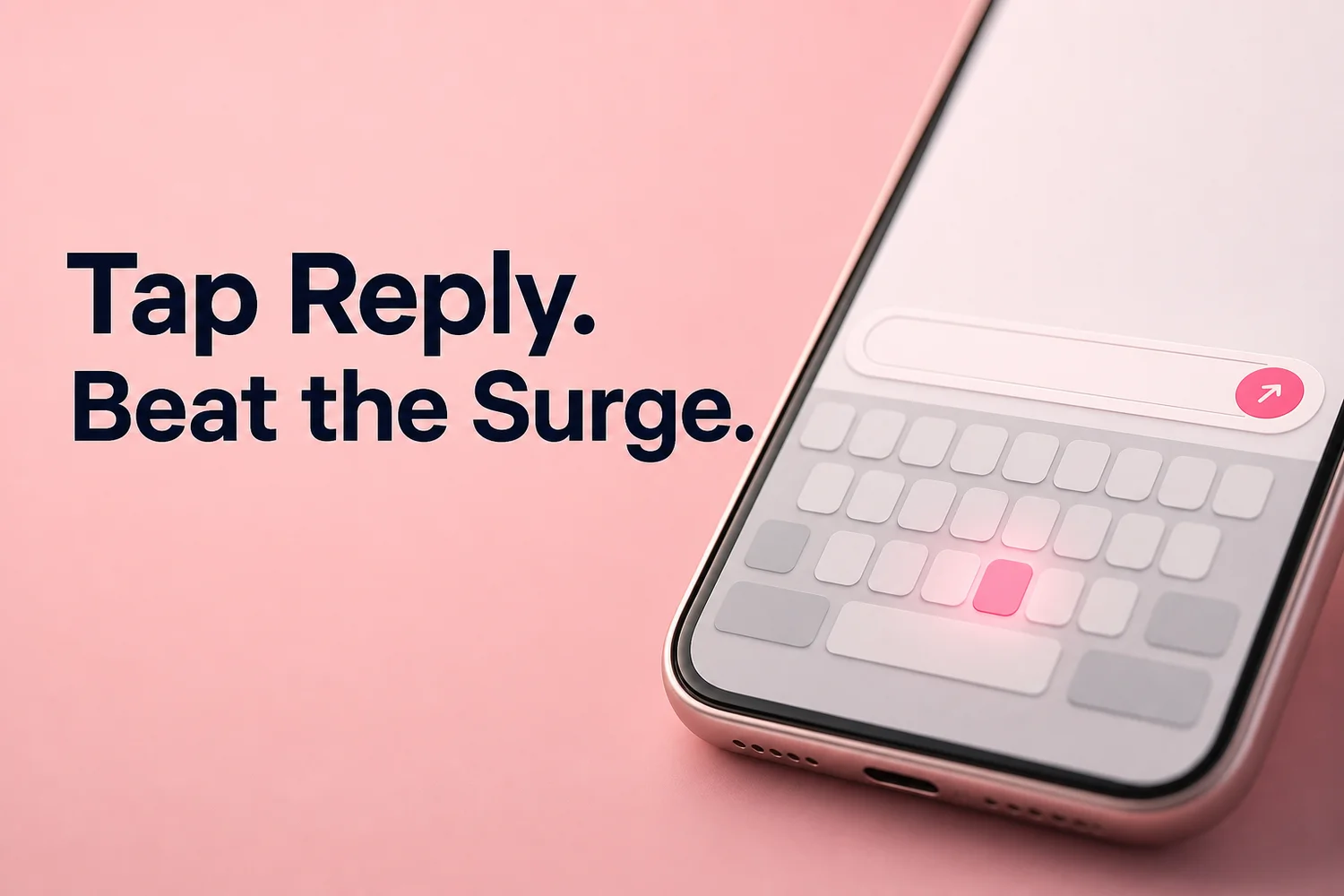 One tap on the SLIDD keyboard turns the conversation on your screen into a finished reply.
SLIDD AI wins at peak times because it removes the slowest step: writing. You switch to the SLIDD keyboard inside Tinder, tap Reply, and it reads her message and profile on your screen in real time, then inserts a reply in your chosen tone. No screenshot, no app switching, no copy-paste.
Compare that with the screenshot-based workflow other reply tools use: screenshot, leave Tinder, open another app, upload, wait, copy, switch back, paste. Eight friction points while the surge timer runs down. SLIDD eliminates all of them because the keyboard is already inside the conversation.
Here's the real product fact worth knowing: SLIDD doesn't detect a surge or schedule anything. It's a keyboard. The advantage is purely about speed once she writes.
What you control is the tone. SLIDD ships five presets, and they map to the moments a busy night throws at you:
- Witty for a cold opener when she's just matched
- Flirty for the Sunday-night thread that's heating up
- Casual for the "how was your day" exchanges
- Bold when it's time to suggest a drink
- Sincere when she shares something real
You can also type a custom tone like dry humor, and SLIDD follows it. Better timing plus a better reply is how a surge turns into plans.
SLIDD is also not limited to Tinder. When a match moves to Instagram or WhatsApp, the same keyboard comes with you, which keeps the momentum going after the app handoff. If you want to build on that, the next step is keeping the conversation alive over text, and we'll cover that in our texting guide.
Get Started with SLIDD AI
Peak Tinder time gets matches in front of you. SLIDD gets the right reply in front of them before the window closes. Every new signup gets a 3-day unlimited free trial, no payment required.
FAQ
What is the best time to use Tinder?
Evenings from 6 PM to 11 PM local time are the best window, with activity often peaking around 9 PM to 10 PM. Sunday evening is frequently cited as the busiest night of the week. Exact hours vary by city, so track your own match rate for two weeks.
How long does a Tinder Swipe Surge last?
A Swipe Surge typically lasts about 30 minutes. Tinder says activity rises up to 15x during that window and match potential increases by up to 250%. It's free, automatic, and announced by a push notification, so keep notifications on during evenings and weekends.
Does the time you message on Tinder matter?
Yes. A reply sent within minutes reaches someone still active in the app, while the same message a day later competes with every other conversation she has going. During peak evening hours, fast and specific beats slow and polished.
Does SLIDD AI work on Tinder?
Yes. SLIDD is an iOS keyboard, so it works in Tinder, Hinge, Bumble, Instagram DMs and Stories, WhatsApp, iMessage, Snapchat, and every other app with a text field. You tap Reply and it reads your screen to write the reply.
Is SLIDD AI free?
New users get 3 days of unlimited access with every tone unlocked and no payment at signup. After that, plans run $6.99 weekly, $19.99 monthly, or $99.99 annually. Paid plans include unlimited replies, all five tones, the custom tone builder, and full reply history.
Is Tinder Swipe Surge the same as a Boost?
No. A Boost is a paid feature you activate yourself to be shown to more people for a set time, while a Swipe Surge is automatic and free, triggered by a local spike in swiping. Both increase visibility, but only a surge comes with a push alert.