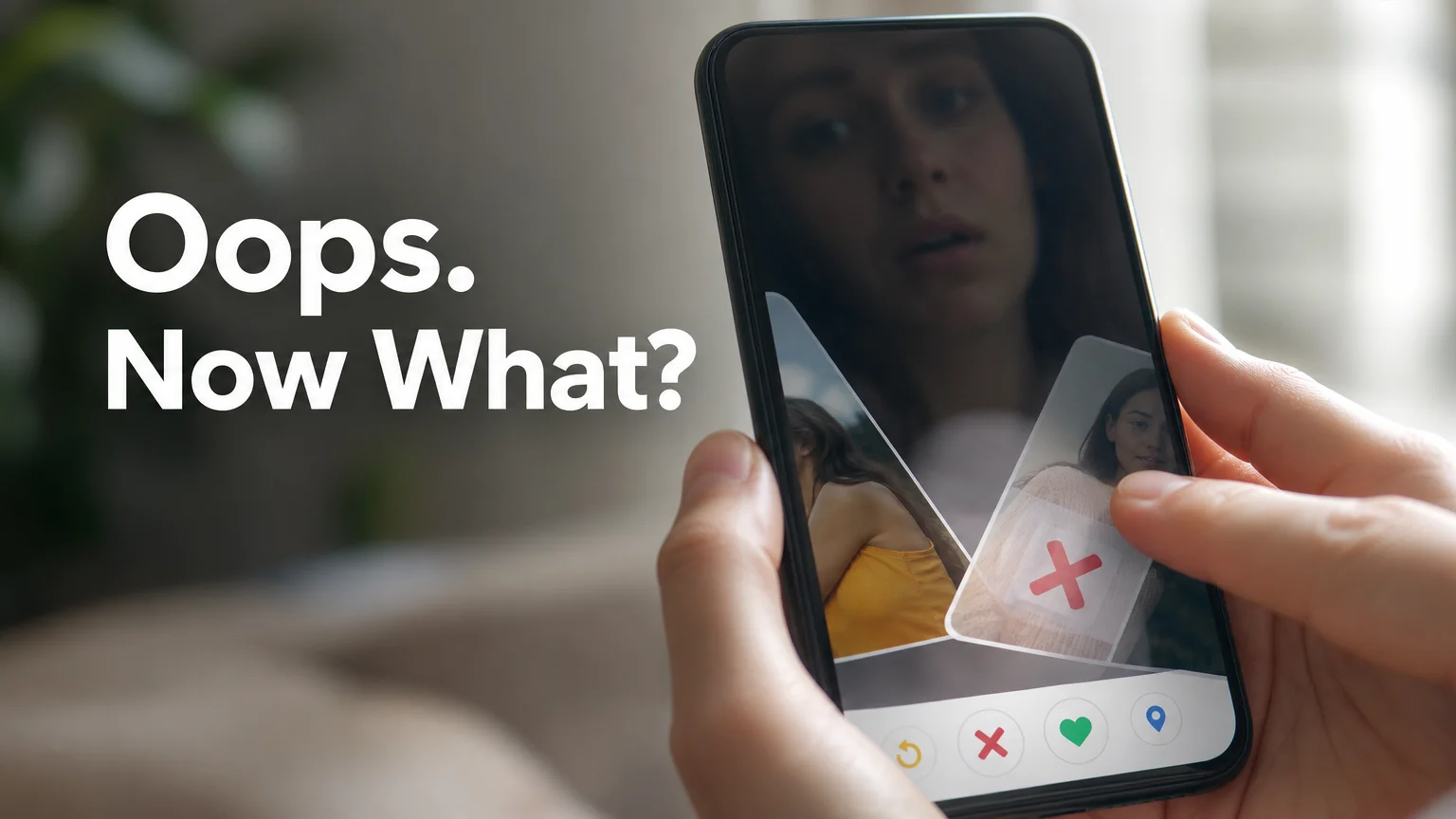
Tinder Accidentally Swiped Left? Do This Next
Tinder Accidentally Swiped Left? Here's What Actually Happens Next
Your thumb moves faster than your brain sometimes. You're stacked three matches deep in a scroll session, half-watching TV, and the card disappears left before you register what you just did. Then it hits you — that was her, the one with the dog photo you'd actually stopped on.
If you've ever typed "tinder accidentally swiped left" into Google in a mild panic, you already know how fast that regret shows up. That half-second of dread is universal enough that Tinder built an entire feature around it — whether it can save you depends on one thing: what you're paying for.
Tinder Accidentally Swiped Left? Here's What You Can Actually Do
Yes, but only through Tinder's Rewind feature, and only if you're subscribed to Tinder Plus, Gold, or Platinum. Rewind reverses your single most recent swipe — tap the yellow arrow icon on the main swipe screen and the last profile you passed on reappears immediately. Free users don't have access to this button at all.
Rewind doesn't dig through your swipe history. It only undoes the very last card, so the window to fix a misswipe closes the second you swipe again on someone else. If you catch it immediately, you're fine. If you swiped past two more profiles before the panic set in, Rewind can't reach back that far.
Plus and Gold subscribers get a limited number of rewinds per day. Platinum removes the cap entirely, letting you rewind as many times as you need.
How Tinder's Rewind Feature Actually Works
The mechanics are simpler than most people expect, and that simplicity is exactly why it's easy to fumble under pressure.
- Tap the yellow circular arrow at the bottom-left of the swipe deck, next to the "X" button
- The profile you just swiped left on slides back into view as if you never touched it
- You can then swipe right, left again, or super like — the decision resets completely
- Rewind only works on your immediately preceding swipe, never further back
- It works the same way for accidental right swipes, so it's not a one-directional safety net
| Tier | Rewind access | Daily limit |
|---|---|---|
| Free | None | — |
| Tinder Plus | Yes | Limited rewinds per day |
| Tinder Gold | Yes | Limited rewinds per day |
| Tinder Platinum | Yes | Unlimited |
Worth knowing: Rewind resets your very last swipe only — it's not a swipe history you can browse and pick from. Speed matters more than the subscription tier once you've moved past the moment.
What Actually Works If You're a Free User
Free accounts genuinely can't undo a left swipe — Tinder doesn't hide the option behind a menu, it simply isn't built for non-subscribers. Your realistic paths forward are narrower than a lot of advice online suggests, but they aren't zero.
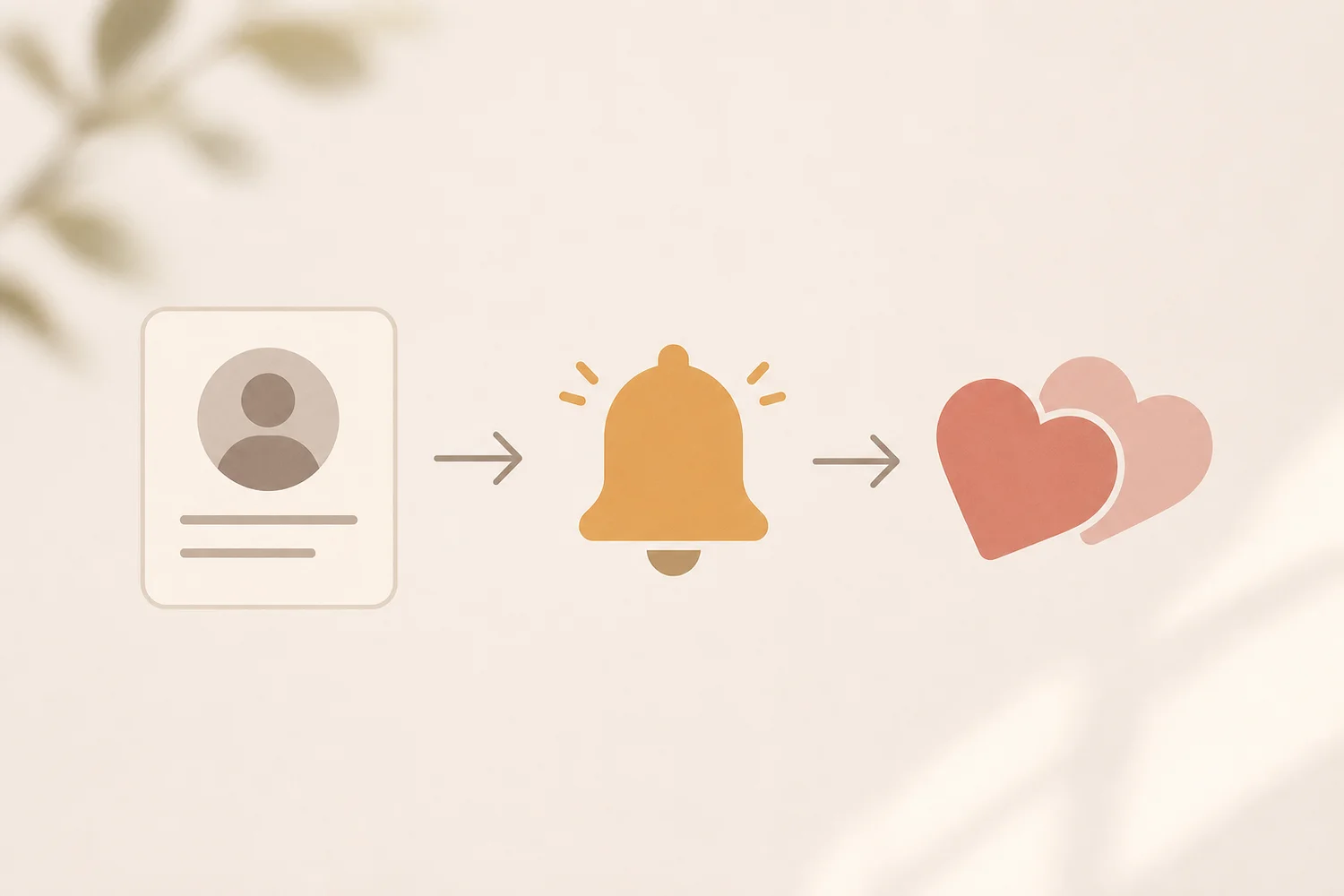 A rare but real path: her profile resurfaces later and the deck gives you a second look.
Tinder's algorithm occasionally resurfaces profiles, especially in smaller dating pools or after you've been inactive for a stretch. If her card crosses your deck again and you swipe right this time, you'll match exactly as if nothing happened the first time. It's not guaranteed and it's not fast, but it happens more in less-saturated markets than people assume.
If you do get that rare second look, don't waste it with a generic opener. A few complete, sendable lines for exactly this situation:
- "I almost let this deck cost me a conversation with you. Not making that mistake twice."
- "Second chances are rare on this app. I'm not wasting mine — what's the story behind your profile picture?"
- "Funny how the algorithm gave me a redo. What's something about you that doesn't fit in a bio?"
What doesn't work: deleting and recreating your account to "reset" your swipe history. Tinder ties your swipe data to your phone number and device, and account recreation risks a ban flag for suspicious activity — it's a worse trade than just letting the profile go.
Is There a Way to Find Someone You Swiped Left On?
Outside of a lucky resurfacing, your options for tracking someone down are limited by design — Tinder doesn't want left-swipe reversals to be easy, or Rewind wouldn't be a paid feature in the first place. If you remember identifying details like her name, school, or workplace, searching Tinder by name is the most realistic manual route, though Tinder's own search tools are intentionally restricted and won't guarantee a hit.
Reverse-searching a screenshot of her photo through an image search engine is another option people try, but it only works if she uses the same photos across public social profiles. It's a long shot, and honestly, most guys who try it are better off putting that effort into the next ten profiles in their stack.
Why Misswipes Happen More Than You'd Think
Misswiping isn't clumsiness — it's a volume problem. The faster you're moving through cards, the less attention any single one gets, and Tinder's own engagement features are built to speed you up.
Take Swipe Surge: when it's active, local swiping activity jumps as much as 15x, and everyone in your area is moving through profiles at a sprint to catch the temporary visibility boost. That's precisely the environment where a good match becomes an accidental left swipe — you're swiping fast because everyone else is, not because you actually looked.
The fix isn't slowing down your whole session. It's noticing which specific moments you're most likely to rush — surge windows, late-night scrolling, multitasking — and being deliberate exactly there.
The SLIDD Solution: Never Misswipe Again
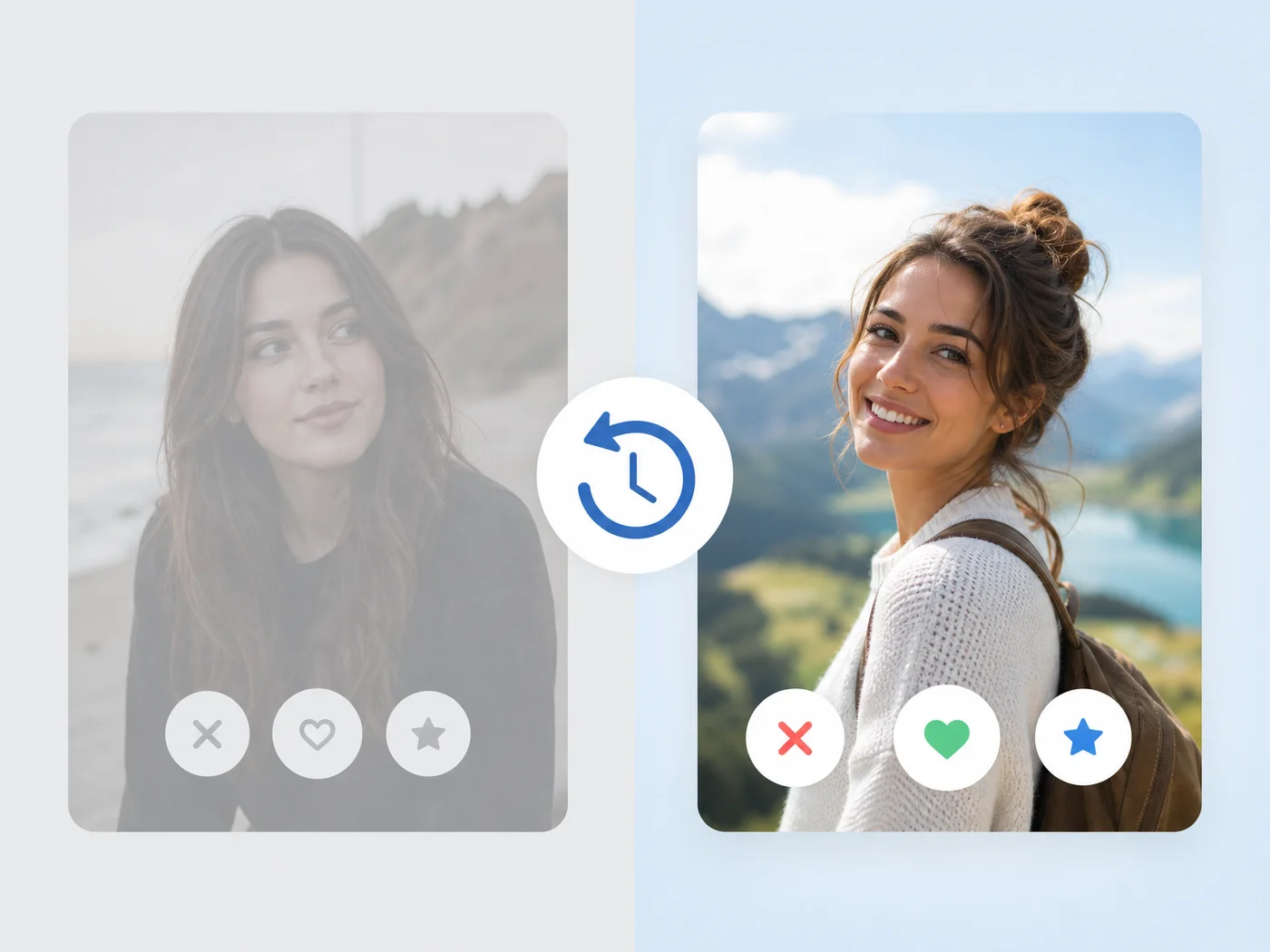 Rewind can save the swipe. It can't save the conversation once you're actually talking.
Here's the part nobody mentions: fixing the swipe is only half the problem. Say you catch the misswipe with Rewind, or she resurfaces in your deck, or you match with someone new instead — the freeze doesn't end at the swipe. It shows up again the second she sends the first message and you're staring at the screen with nothing to say.
That's the moment SLIDD AI actually solves. It's an AI keyboard that reads whatever's on your screen the second you tap Reply — her message, her photo, her bio — and writes a reply in your chosen tone before the conversation goes cold. No screenshotting her profile into another app, no copy-pasting a suggestion back in. You stay in Tinder the whole time.
If a rushed swipe already cost you attention once, don't let a rushed reply cost you the match you did land. Tap Reply, and SLIDD handles the part that actually tanks conversations.
How to Prevent the Next Tinder Accidentally Swiped Left Moment
A few habits cut down misswipes without slowing your whole session to a crawl:
- Read the first photo and the bio's opening line before your thumb moves — most misswipes happen when you're scrolling on autopilot
- Turn off Tinder notifications during Swipe Surge windows if you know you tend to rush through them
- Use Tinder's built-in "undo" muscle memory correctly: rewind immediately, not after two more swipes
- If you're a Platinum subscriber, don't be precious about using Rewind — unlimited means unlimited
- Swipe in short, focused sessions instead of long scrolling marathons where attention drops off a cliff
None of this eliminates misswipes completely. Thumbs slip, notifications interrupt, and sometimes you just genuinely change your mind after the card's already gone. If misswipes are only one symptom of a bigger swiping strategy that isn't working, Tinder's core mechanics — profile setup, timing, and how the algorithm actually ranks you — are worth revisiting too.
Quick recap
- Rewind undoes only your single most recent swipe, and it's exclusive to Tinder Plus, Gold, and Platinum subscribers
- Free users can't reverse a left swipe directly, but a resurfaced profile can create a rare second chance
- Deleting and recreating your account to reset swipes isn't a real fix — it risks a ban flag
- Fast environments like Swipe Surge cause more misswipes; slowing down in those specific windows helps more than slowing down everywhere
- The swipe isn't the only place the freeze hits — it shows up again at the first reply, which is a separate problem worth solving on its own
Get Started with SLIDD
A misswipe costs you one match. A bad reply — or no reply at all — costs you every match after that. SLIDD reads the screen and writes the reply so the conversation never stalls out.
FAQ
Can you find someone you accidentally swiped left on Tinder?
Not directly. Tinder doesn't offer a way to browse or search your swipe history, so your options are Rewind (paid tiers, last swipe only), waiting for the profile to resurface naturally, or searching by name if you know identifying details.
Does Tinder's Rewind feature work for free users?
No. Rewind is locked to Tinder Plus, Gold, and Platinum subscribers. Free accounts don't see the rewind arrow on the swipe screen at all, and there's no free workaround that officially restores a passed-on profile.
Will you see someone again if you swipe left on Tinder?
Sometimes, though it's not guaranteed. Tinder's algorithm can resurface profiles later, particularly in smaller or less active dating markets, giving you a second chance to swipe right if the card reappears.
What is SLIDD AI?
SLIDD AI is an iOS keyboard that reads your screen in real time — her message, photo, or bio — and writes a dating reply for you inside Hinge, Tinder, Bumble, Instagram, WhatsApp, or iMessage. You just tap Reply; there's no screenshotting or switching apps involved.
Does SLIDD work on Tinder, Hinge, and Bumble?
Yes. Because SLIDD is a system-level keyboard rather than a standalone app, it works inside Tinder, Hinge, Bumble, and most other apps with a text field, including Instagram DMs, Stories, and iMessage.